Scheduled for April 17, 2026
How to Use Video Feedback With Golf Drills So Changes Actually Stick
The fastest way to waste a drill is to trust feel alone. Golfers often think a move changed when the video shows something much smaller or completely different. That is why drills work better when they are paired with a simple review loop.
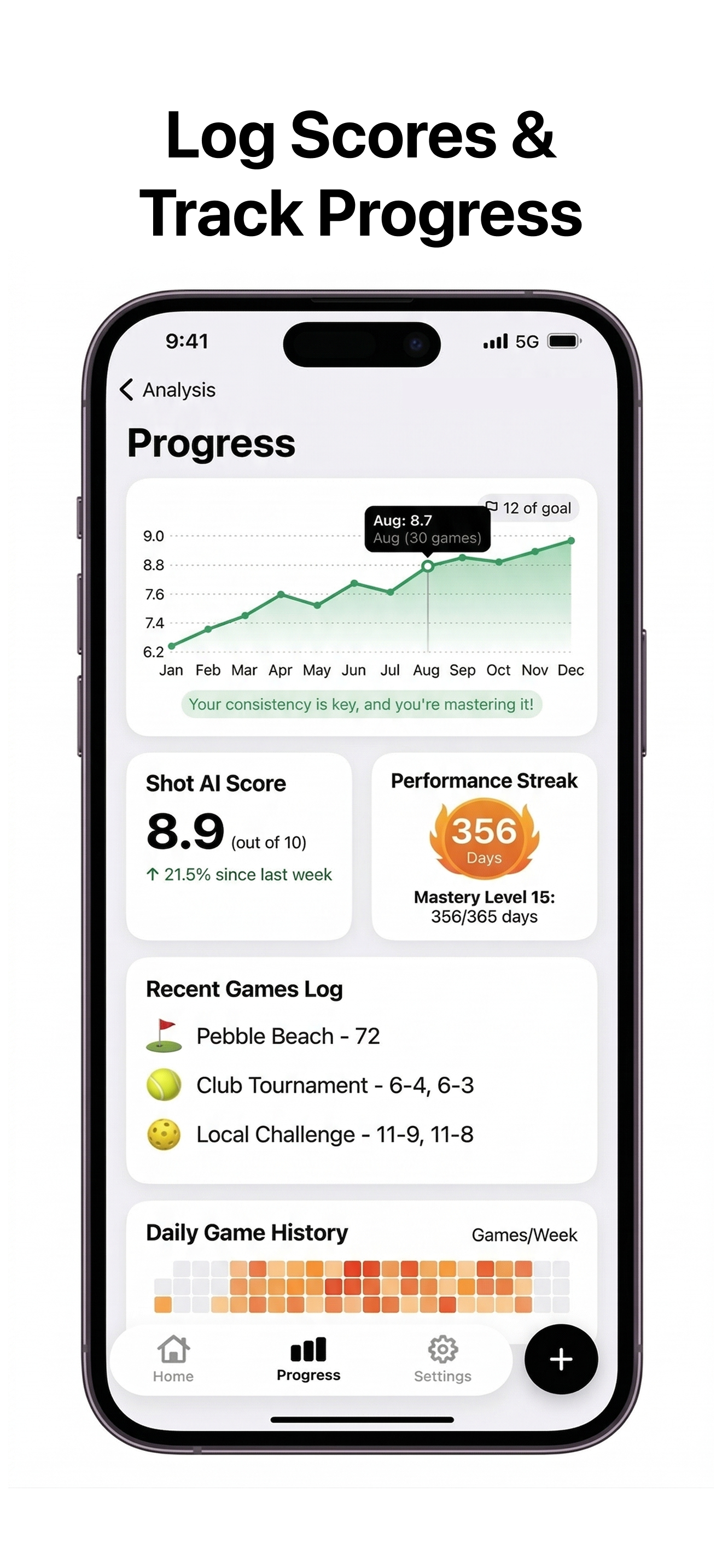


Pick one change at a time
Every drill should have one target. Do not try to fix path, pressure shift, and release timing in the same set. Choose one movement, film it, and compare it against the old version.
Film before, during, and after
A good drill session has three checkpoints: baseline swings before the drill, a few drill reps, and normal swings after the drill. If the change only appears during the drill and disappears immediately after, it has not stuck yet.
Use the same camera angle every time
If the angle changes, your comparison gets noisy. Repeatable filming is what makes the feedback loop trustworthy.
Track progress weekly, not emotionally
Improvement is easier to judge when you compare clips across a week or two instead of deciding based on one bucket. That is how you avoid overreacting to one good or bad day.
Where Shot AI fits
Shot AI helps turn drills into a repeatable process: record, analyze, review, compare, and track. That matters because the app gives structure to what most golfers otherwise treat as a loose collection of feels.
Drill review loop
Make the drill measurable
Record the baseline, test the drill, review the result, and keep tracking until the change survives normal swings.
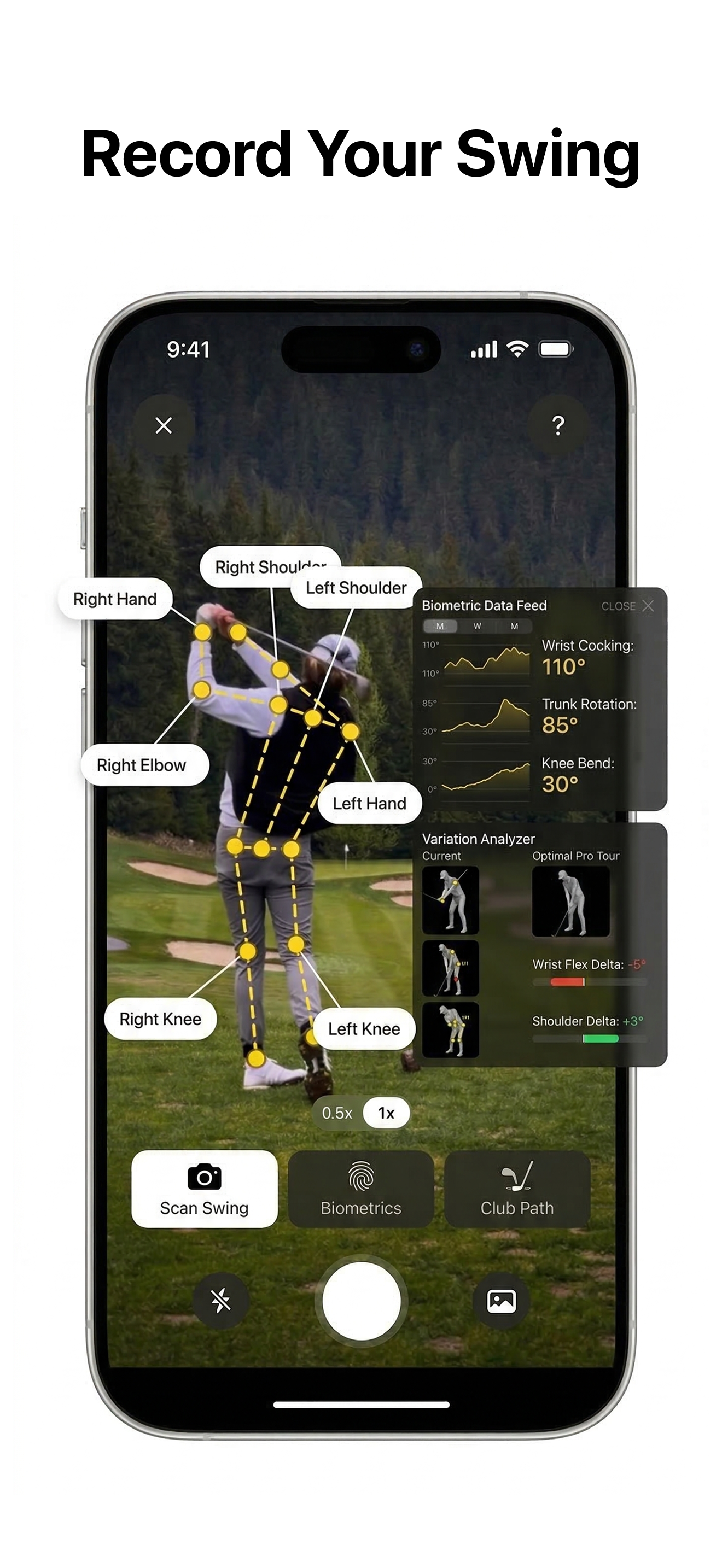
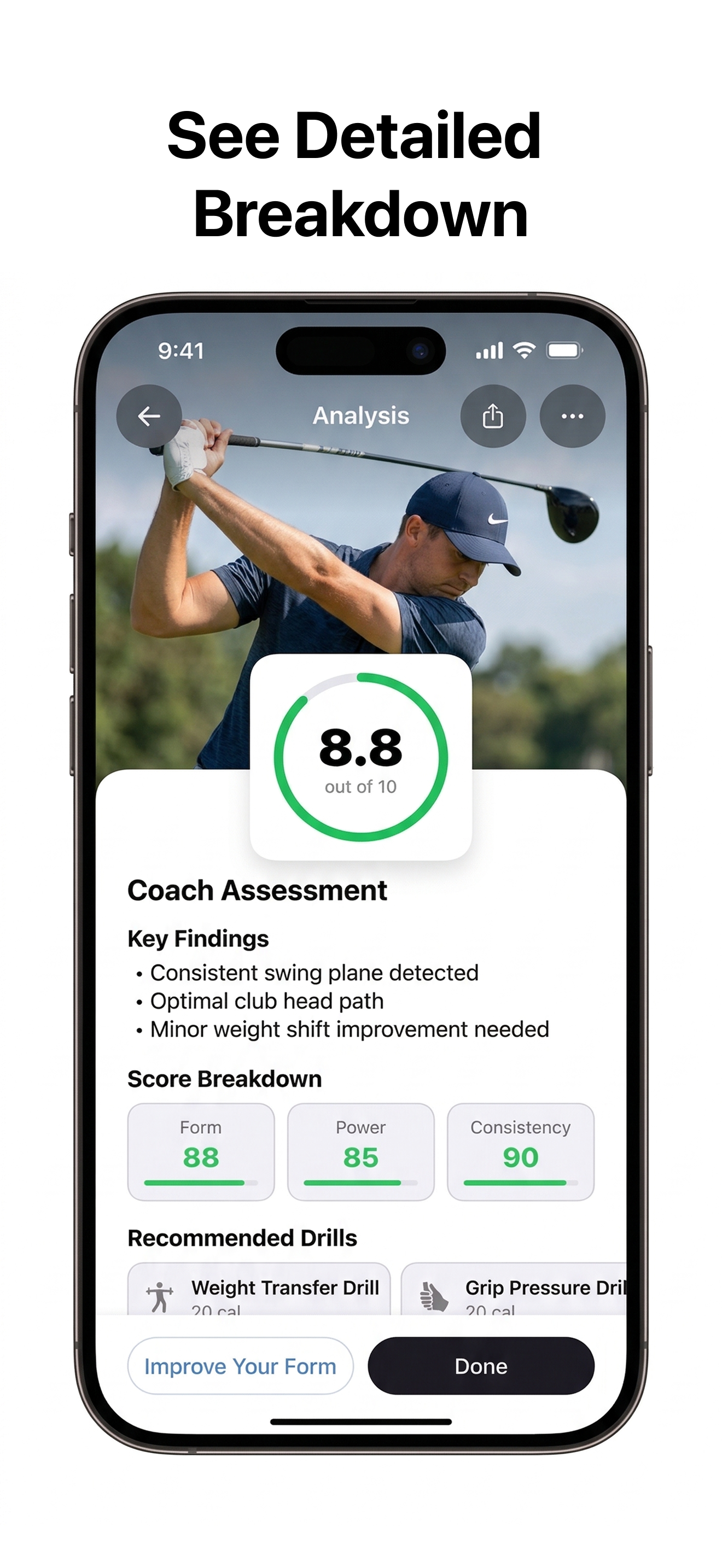
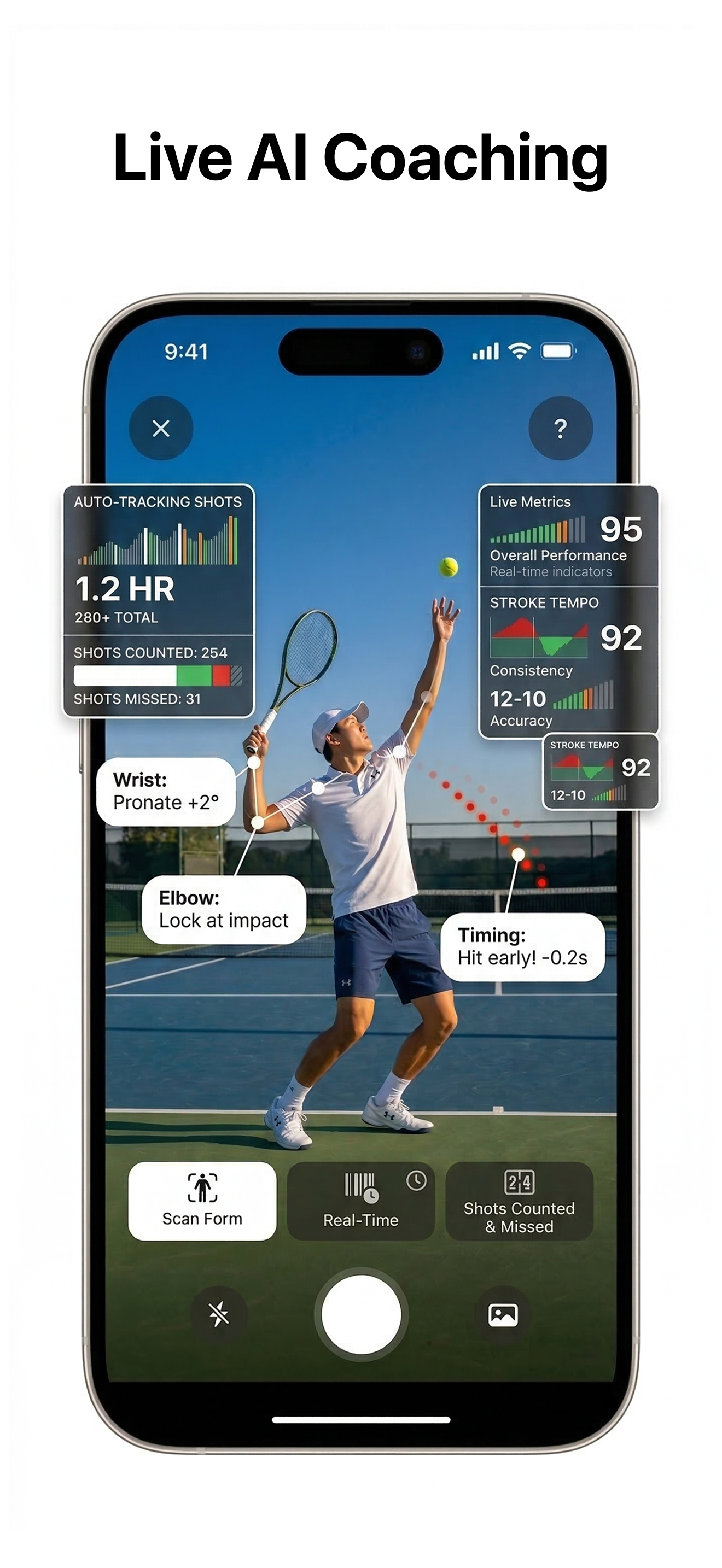
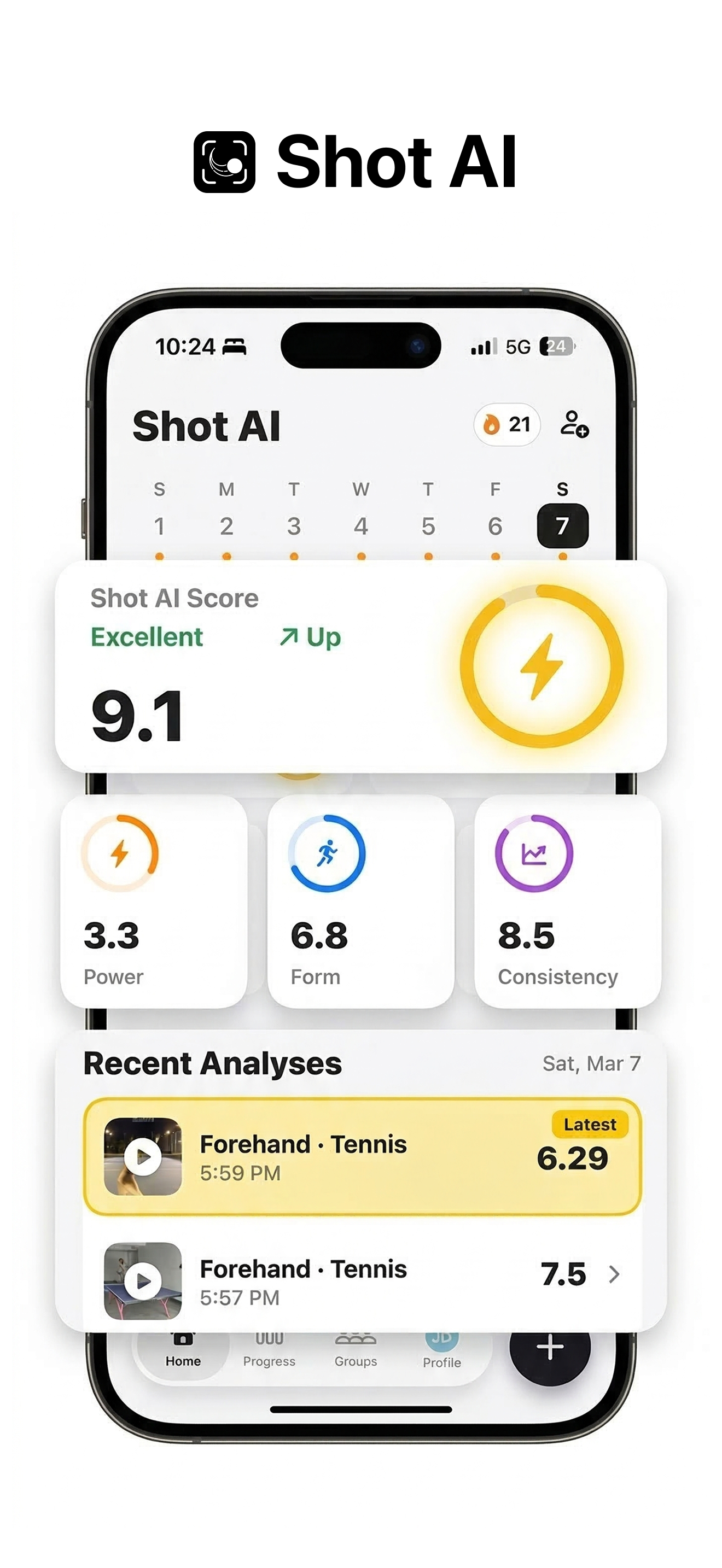
Use Shot AI to make your golf drills measurable enough that the change survives more than one practice session.